

What is Agent Maker?
Agent Maker lets you create a custom agent by simply describing what you want it to do in natural language. Narada’s AI generates a complete, runnable Python agent from your description, no coding or manual workflow building required.Describe a goal like “Create an agent that checks website carbon footprint and generates a report” and Agent Maker builds the entire automation for you.
Two Ways to Use Agent Maker
Option 1: From the Chat
Type/agentMaker followed by your goal description directly in the Narada chat:
Option 2: From Agent Studio
1
Open Agent Studio
Navigate to the Agent Studio from the Narada sidebar.
2
Click Create
Click the + Create button to open the creation dialog.
3
Select Agent Maker
Choose Agent Maker from the options. The description reads: “Build an agent from your goal description.”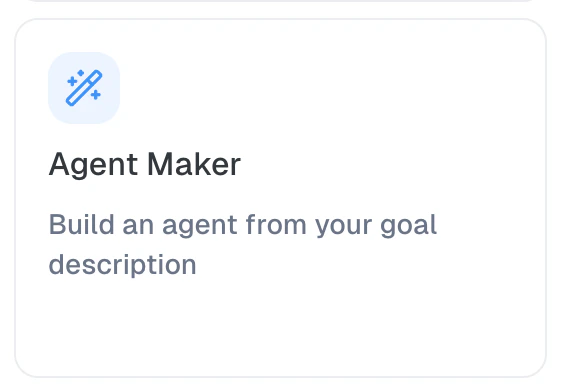
4
Describe your goal
Enter a clear description of what you want the agent to do. Be specific about: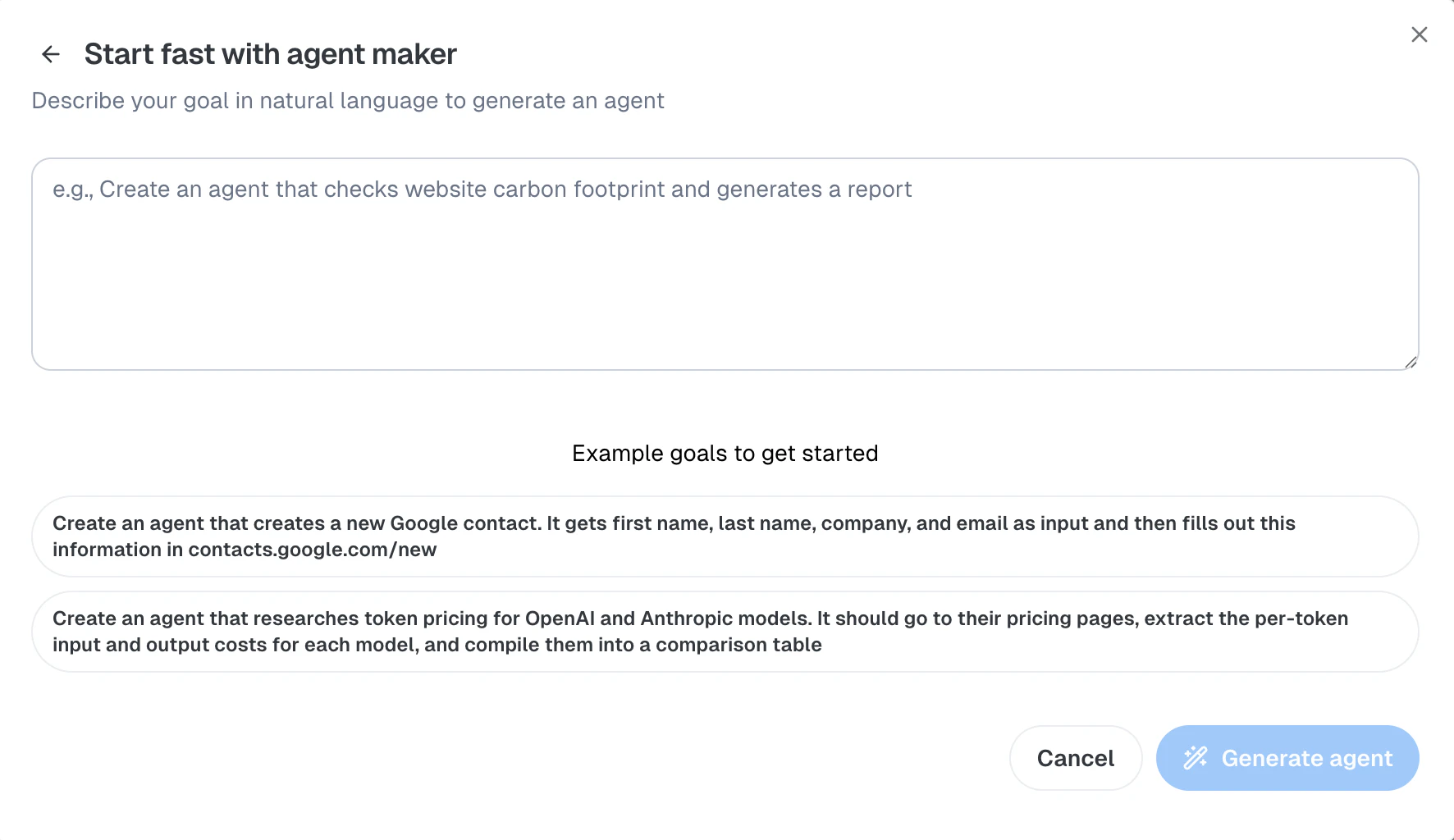
- What websites or tools the agent should use
- What data it should extract or actions it should take
- What the expected output should look like
5
Generate the agent
Click Generate agent to start the process. Narada will open the side panel and begin building your agent.
Example Goals
Not sure what to write? Here are some example goals to get started:Google Contacts Automation
Google Contacts Automation
Pricing Research
Pricing Research
Website Monitoring
Website Monitoring
Job Search Automation
Job Search Automation
What Happens After Generation
When Agent Maker generates your agent, it goes through several steps:1
Agent code is generated
Narada’s AI writes a Python agent based on your goal description, using the Narada SDK for browser automation.
2
The agent is tested
Agent Maker automatically runs your new agent to verify it works as described.
3
Results are shown
The generated agent opens in a new tab in Agent Studio. You can review the code, see test results, and make edits.
4
Feedback loop
Agent Maker explains what it built and asks if you’d like any changes. You can iterate directly in the chat.
The generated agent is a Python Agent, a code-based automation using the Narada Python SDK. You can edit the code directly in Agent Studio.
Tips for Writing Good Goals
Be Specific
Include specific websites, data fields, and expected outputs. “Extract job titles from LinkedIn” is better than “find jobs.”
Describe the Steps
Break down multi-step tasks: “Go to the pricing page, extract costs per model, compile into a table.”
Mention Input/Output
Specify what data the agent receives as input and what it should produce as output.
Keep It Focused
One clear goal per agent. Complex tasks are better split into multiple agents that call each other.
Agent Maker vs Imitation Learning
Both features generate custom agents, but they work differently:Requirements
Chrome Extension
The Narada Chrome Extension must be installed and active. Agent Maker uses the extension to generate and test agents.
Narada Account
You must be signed in to your Narada account.
Troubleshooting
Agent generation fails
Agent generation fails
- Make sure the Chrome extension is installed and up to date
- Try simplifying your goal description
- Check that the target websites are accessible from your browser
Generated agent doesn't do what I wanted
Generated agent doesn't do what I wanted
- Provide more specific instructions in your goal
- Use the chat to give Agent Maker feedback: “The agent should also click the Download button after extracting the data”
- You can always edit the generated Python code directly in Agent Studio
/agentMaker command not recognized
/agentMaker command not recognized
- Ensure you’re typing the command in the Narada chat side panel
- The command must start with
/agentMakerfollowed by a space and your goal - Check that you’re signed in to your Narada account